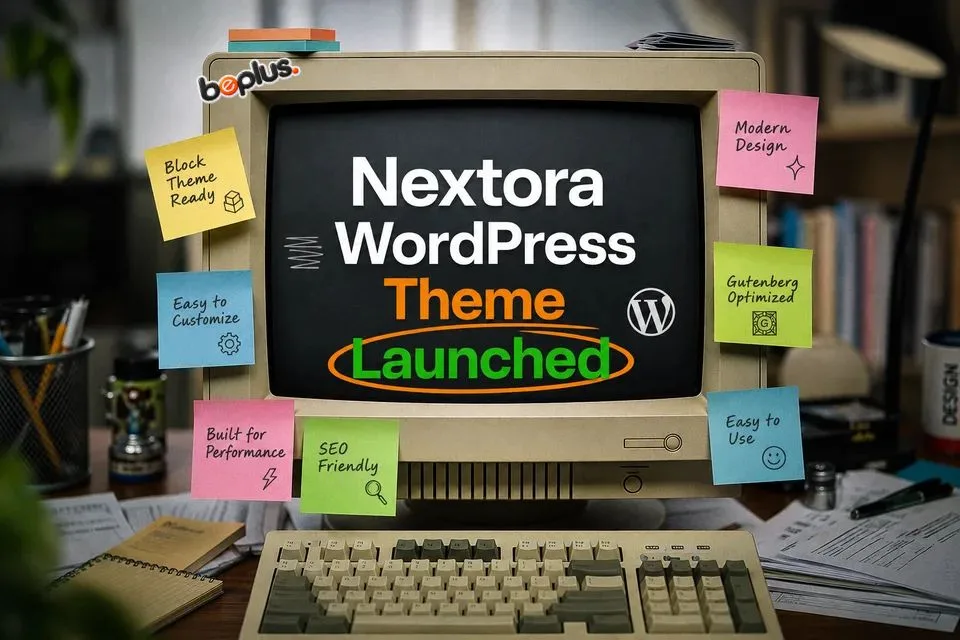
If you build with WordPress, you’ve likely felt the trade-off: themes that look great but fight you in the block editor, or themes that are fast but rigid and hard to customize. The Nextora WordPress theme is built to end that compromise. Nextora is a modern WordPress block theme purpose-built for performance, accessibility, and the full site editor – with Tailwind CSS v4, GSAP scroll animations, and WooCommerce support out of the box.
In this post, we’ll walk through what makes Nextora different, tour its key features, and show you how to get started. Prefer to jump straight in? Download Nextora from BePlus Labs, or get in touch with any questions.
What Is the Nextora WordPress Theme?
Nextora is an open-source WordPress block theme maintained by BePlus Themes. It’s built entirely on the block editor and full site editing (FSE), which means every part of your site – headers, footers, templates, and global styles – is editable from the native Site Editor. There are no page builders and no locked-down templates to work around.
Under the hood, Nextora requires WordPress 6.4+ and PHP 8.1+, and it’s built with modern tooling: TypeScript, PHPStan static analysis, and PHPUnit test coverage. The source is open on GitHub at miketropi/nextora, and the theme ships regular, well-documented releases.
Key Features of Nextora
Nextora ships with a focused set of features designed to make modern WordPress sites faster to build and more enjoyable to run.
Full Site Editing (FSE)
Because Nextora is built entirely on WordPress block themes, you can edit every part of your site from the Site Editor – headers, footers, templates, and global styles – using the native block experience. No page builder plugin required.
Tailwind CSS v4 Integration
The theme uses Tailwind CSS v4 with shared design tokens between theme.json and Tailwind. This keeps your front end and the block editor visually in sync, so what you design in the editor is exactly what you ship on the front end – without fighting CSS.
GSAP Scroll Animations
Create smooth scroll-based animations without writing a line of JavaScript. Nextora ships with class-driven GSAP + ScrollTrigger reveals, so you can add animation attributes to any block and get polished motion out of the box.
Spotlight Command-K Search
Nextora includes a global spotlight search modal that indexes posts, pages, and products. You and your visitors can navigate the site from the keyboard with instant, searchable results.
Rich-Text Comments with Tiptap
Comments are upgraded with a Tiptap-powered rich-text editor. Visitors can use bold, italics, links, blockquotes, and more – all safely sanitized – for clearer, more expressive conversations.
WooCommerce Ready
Running a store? Nextora is WooCommerce-ready with styled product templates, a mini cart, and account integration directly in the header block. It’s designed to feel seamless with the rest of the theme.
Custom Theme Blocks
Nextora ships with a growing collection of purpose-built Gutenberg blocks, including a Hero Section, Post Grid, Image Gallery, Testimonial Carousel, and Call to Action. Each is built to match the theme’s design system, so you can assemble pages quickly without relying on third-party block libraries.
Accessibility-First Design
Accessibility is baked in with WCAG 2.1 AA-minded patterns: semantic HTML, keyboard navigation, screen reader text, and skip links throughout the theme. Nextora is engineered to be usable by as many people as possible.
Getting Started with Nextora
Before installing, make sure your environment meets the requirements:
- WordPress 6.4 or later
- PHP 8.1 or later
Then follow these steps:
- Download Nextora from BePlus Labs or clone it from GitHub.
- In wp-admin, go to Appearance / Themes and install and activate Nextora.
- Open the Site Editor (Appearance / Editor) and start customizing templates, global styles, and the built-in theme blocks.
New to block themes? Take a look at our FAQs page or read more about the project.
Built with Care by BePlus Themes
Nextora is maintained by BePlus Themes with performance, modern tooling, and editor-first workflows at its core. It’s part of a growing open-source catalog from BePlus Labs, alongside tools like BePlus Visual Mega Nav (a drag-and-drop mega menu builder) and Fast Product Filter (high-performance AJAX product filtering for WooCommerce).
Is Nextora Right for Your Next Project?
If you want a fast, flexible, block-native foundation that’s ready for production – and you’d rather spend your time building than fighting a theme – the Nextora WordPress theme is built for you. Download it today from BePlus Labs, and share your feedback: it directly shapes the roadmap. For new releases and improvements, follow along on GitHub or the BePlus Labs changelog.

3 responses
We value your experience with Nextora. If you find the theme useful or have specific recommendations, please share them in the comments section. Your feedback directly shapes our roadmap and future releases.
[…] of colors, a set of fonts, or both combined. The preset switcher is a built-in feature of the Nextora WordPress theme, a free open-source block theme from BePlus. When the mode is on, visitors see a small floating […]
[…] is built natively with WordPress blocks and designed to match the Nextora WordPress theme styling, global fonts, and color palettes automatically upon […]